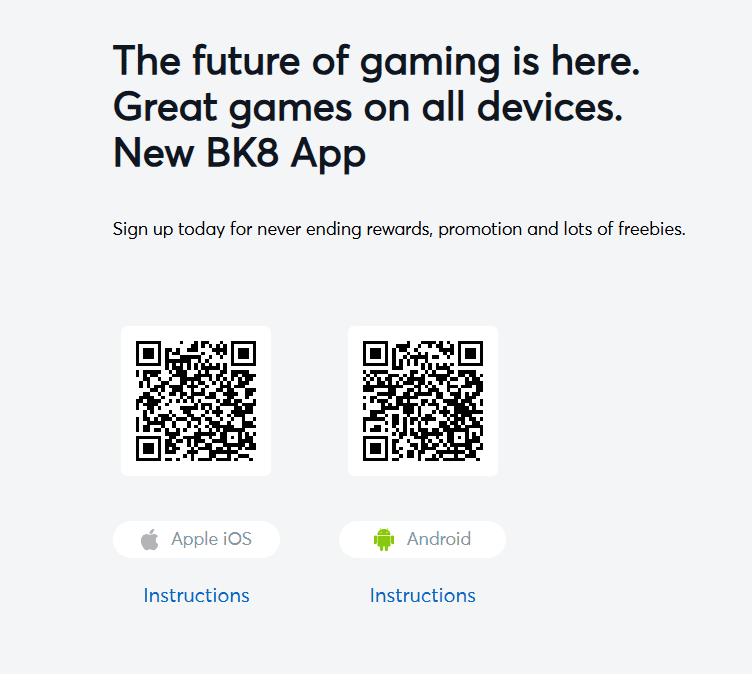
The BK8 Android app loads the full casino 30-40% faster than the mobile website according to BK8’s own testing data. Biometric login, push notifications for bonus drops and withdrawal confirmations, and a native interface optimised for small screens make it the better option over browser access on Android.
No iOS app exists – Apple does not allow gambling apps on its App Store. iPhone and iPad users access BK8 through Safari mobile browser, which runs the full platform at the same quality as desktop. The gap between the Android app and iOS Safari is real but manageable.
2 GB RAM minimum – 3 GB recommended for live casino streaming
4G or Wi-Fi for live dealer games; 3G works for slots
Step-by-Step Installation
Download the APK – tap the official download button on bk8.asia. The file saves to your Downloads folder.
Allow installation from unknown sources: Settings – Security (or Privacy) – Install Unknown Apps – enable for your browser or file manager. This is a one-time permission step.
Open the downloaded APK from your Downloads folder. Tap Install.
Wait 20-30 seconds for installation to complete.
Open BK8 and log in with your existing username and password.
Tested on Samsung Galaxy A54 (Android 13) and Xiaomi Redmi Note 12 (Android 12). Total time from download to first game load: 2 minutes 40 seconds on Celcom 4G. Live baccarat stream held at HD for a full 40-minute session without buffering.
Download only from bk8.asia. APK files shared on Telegram groups or third-party APK sites may be modified versions containing malware or credential-harvesting code. BK8 does not distribute its APK through any third-party channels.
iOS – Safari Mobile Browser
Apple does not permit real-money gambling apps on the App Store. The BK8 iOS experience runs through Safari, which handles it better than most alternatives:
Home screen shortcut: open bk8.asia in Safari, tap the Share icon, select ‘Add to Home Screen’. The BK8 icon sits on your home screen and launches in full-screen mode, identical to a native app in appearance
Face ID login: enable Safari Passwords to save your BK8 credentials, then allow Face ID or Touch ID to autofill on the login screen
Push notifications: Safari on iOS 16.4+ supports web push notifications. Allow when prompted after first launch to receive withdrawal confirmations and bonus alerts
The real difference between iOS and Android: the Android app loads 30-40% faster and sends native push notifications through the OS rather than browser-dependent web pushes. For frequent players, this matters. For casual players, the Safari experience is entirely adequate.
App Features
Full game library – all 5,100+ titles including slots, live casino, sports, e-sports, fishing and fast games
Biometric login – fingerprint on Android, Face ID via Safari on iOS (not native biometric)
Push notifications – withdrawal processed, bonus credited, match starting alerts
All payment methods – local bank transfer, Touch ‘n Go, GrabPay, DuitNow, cryptocurrency
Live Chat and WhatsApp – support accessible directly from within the app
Faster loading – 30-40% improvement over mobile browser on Android
Troubleshooting
APK installation fails
Check that ‘Install Unknown Apps’ is enabled for your browser or file manager (not just Chrome – if you downloaded in Samsung Internet, enable for Samsung Internet specifically). Verify you have at least 60 MB free storage. Re-download the file if it may have downloaded partially.
App crashes on launch after update
Clear app cache: Settings – Apps – BK8 – Storage – Clear Cache. If crashing continues, uninstall the app and reinstall the latest version from bk8.asia. Your account data is stored on BK8’s servers, not on your device.
Live casino buffering on 4G
Select ‘Low Quality Stream’ in the live table settings before joining. This reduces bandwidth from approximately 3 Mbps to 1.5 Mbps while keeping the stream watchable. Close background apps to free RAM, particularly on devices with 2 GB.
BK8 app not recognised by Play Protect
Android’s Play Protect flags APKs installed outside the Play Store as unknown. This is automatic and does not indicate the file is dangerous. Tap ‘Install Anyway’ after the warning. If you want to verify the file independently before installing, upload it to VirusTotal at virustotal.com.